Your account
Sign in with a username
People without a work email sign in with the username their administrator gave them and choose their own password the first time.
- Open the sign-in page and enter your username in Email or username, then the temporary password from your slip.
- You go straight to Set your own password. Enter the temporary password and a new one of at least 10 characters (not a common one, and not the same), then choose Save password.
- You are signed in. Other devices that used the temporary password are signed out.
Email or username
One field for both: anything without @ is a username.
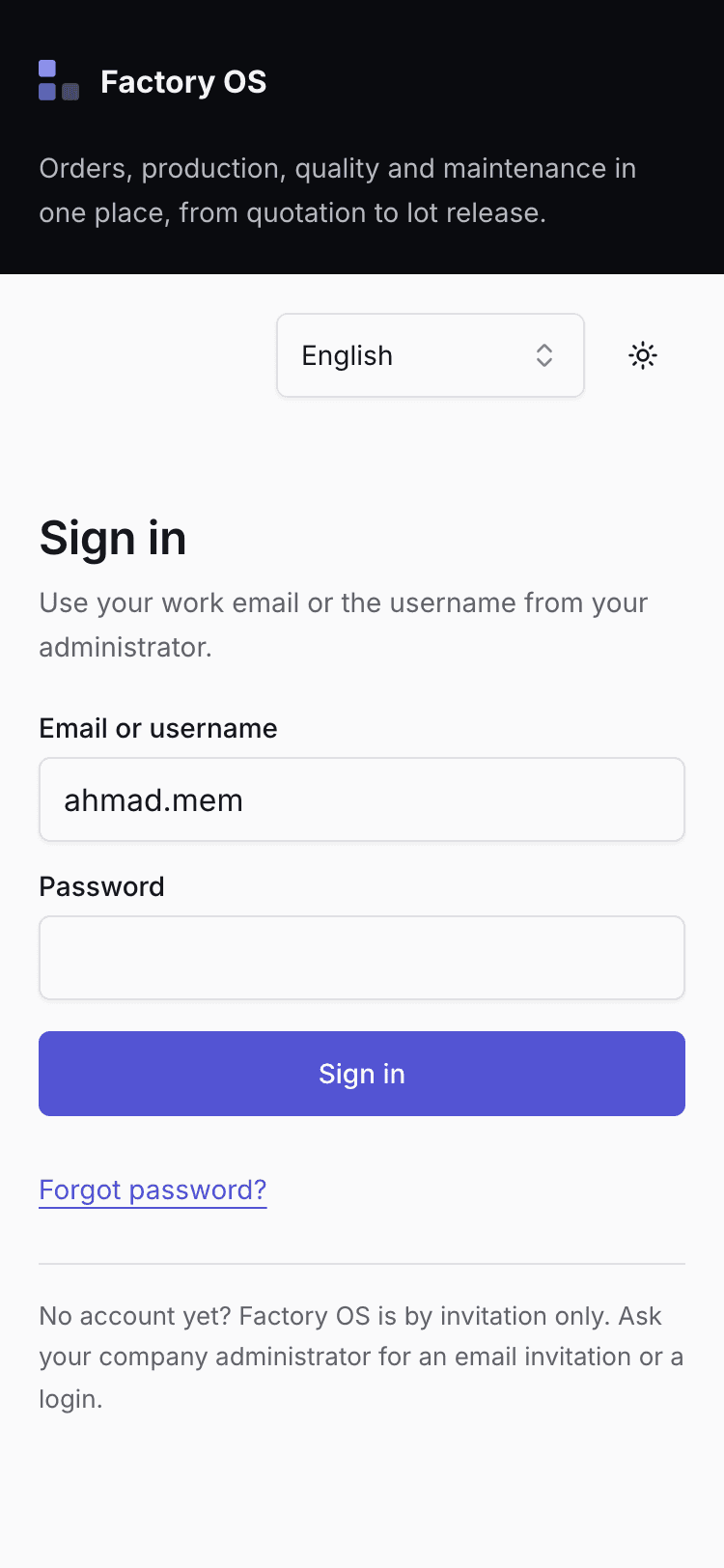
- Your username, such as ahmad.seri.
Set your own password
Shown until you replace the temporary password.
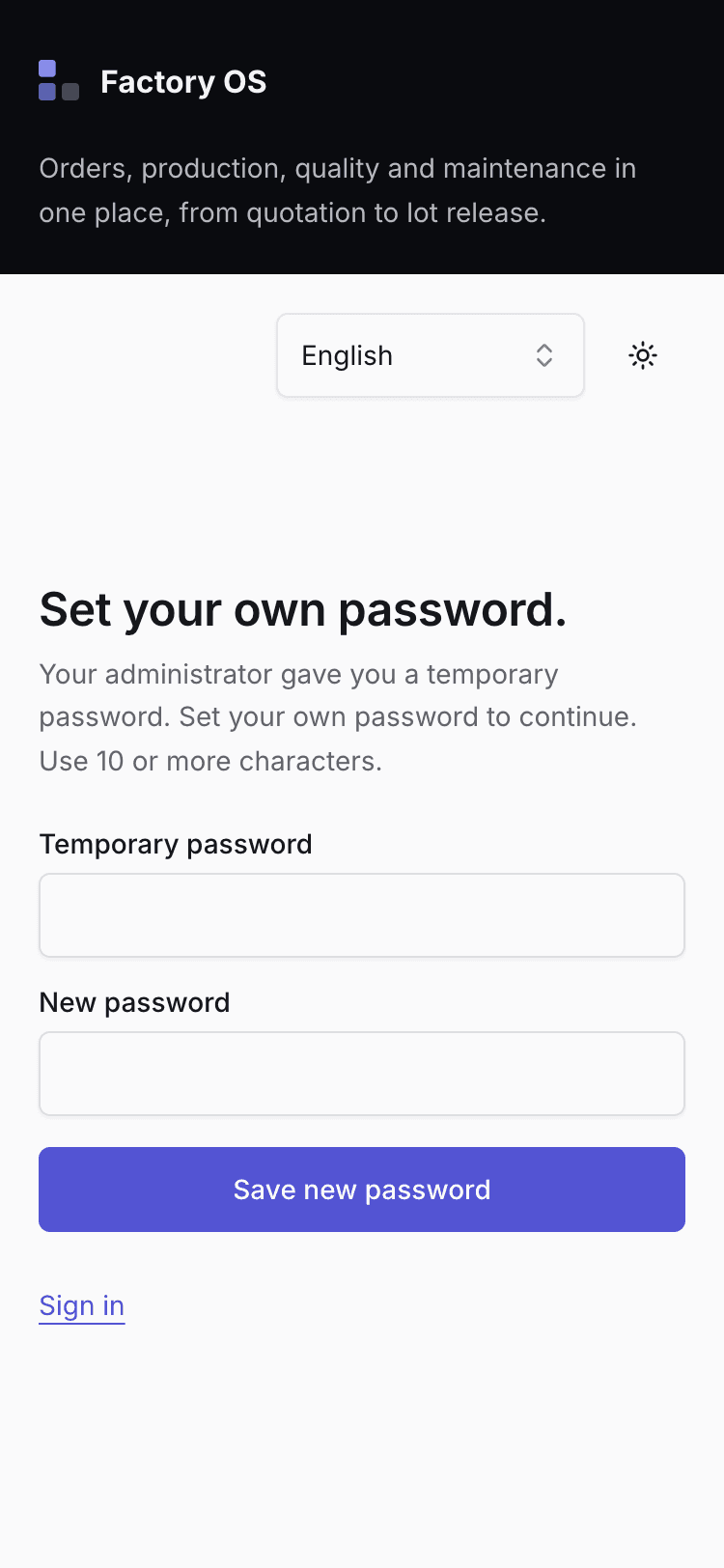
- At least 10 characters.
A temporary password works for 72 hours. After that, ask your administrator for a new one. If you forget your password later, ask your administrator to reset it: logins without email cannot use Forgot password.