Get started
Sign in and recover access
Sign in with your email and password, or reset a forgotten password by email.
Open /sign-in, enter the email your invitation was sent to and your password, and choose
Sign in. A protected link may add
a safe next destination; the app returns there after authentication. External return URLs are
not accepted.
Sign in to your workspace
The form sits beside the Factory OS panel on desktop. There is no sign-up link: accounts start from an invitation.
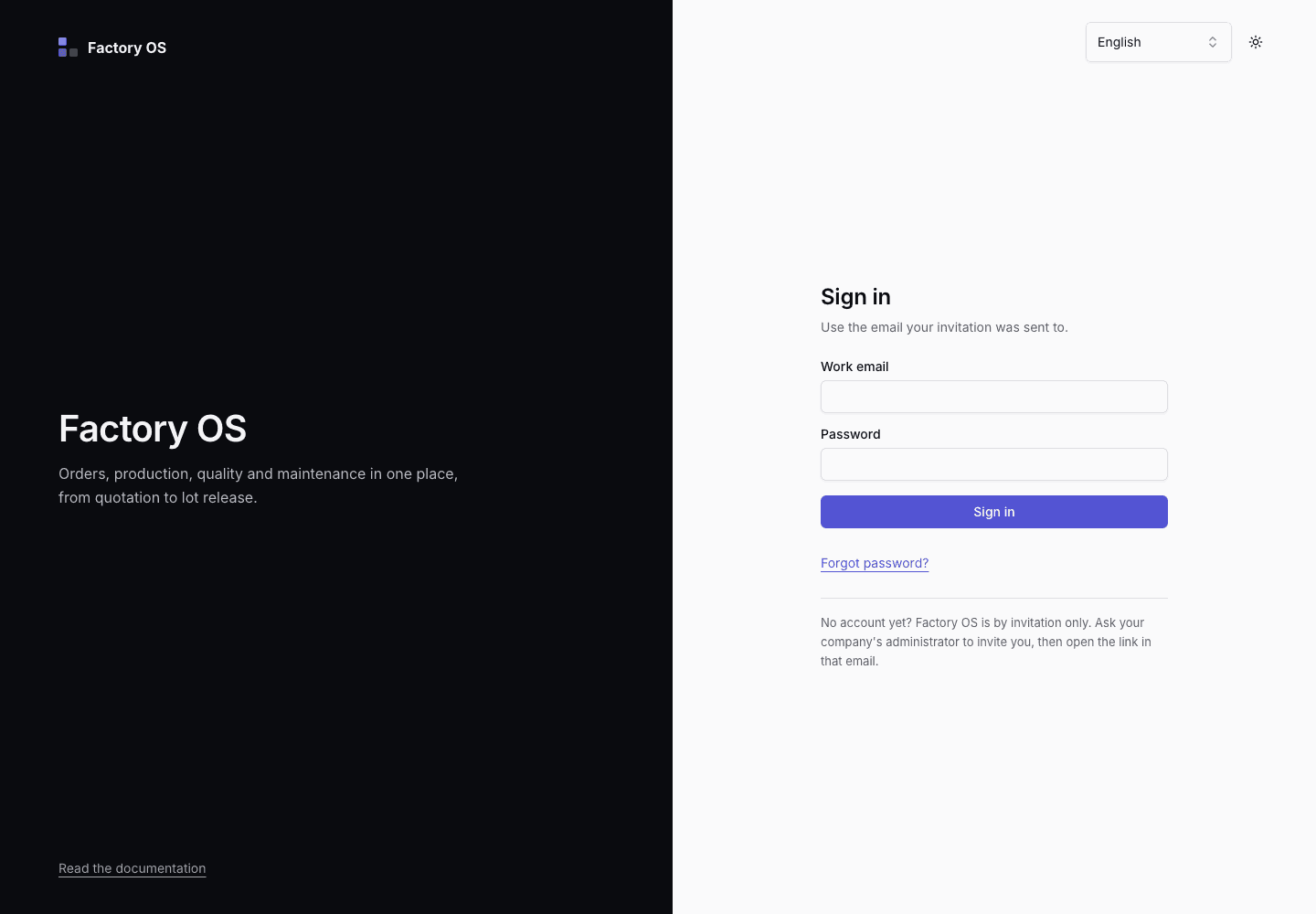
- Use the email your invitation was sent to.
- Enter your password and choose Sign in. Use Forgot password if you need a reset link.
- No account? Ask your company's administrator for an invitation.
For a forgotten password:
- Choose Forgot password? or open
/forgot-password. - Enter the account email and choose Send reset link. The confirmation is deliberately the same whether or not an account exists.
- Open
/reset-password?token=...from the email, enter a new password, and choose Save new password. - Return to
/sign-inwith the new password. Request a new link if the token is missing, expired, or already used.
A link that no longer works sends you back to the start:
View as text
%% title: Reset a forgotten password
flowchart TD
  A["Choose Forgot password? and enter your email"] --> B["Choose Send reset link"]
  B --> C["Open the link in the email"]
  C --> D{"Does the link work?"}
  D -- "Yes" --> E["Enter a new password and choose Save new password"]
  E --> F["Sign in with the new password"]
  D -- "Missing, expired or already used" --> A
Resetting your password signs you out of every other device.
If two-factor authentication is on for your account, the app asks for a code after your password. See Two-factor authentication.