Planner
What the Planner role (production planner and supervisor) does, sees and signs in Factory OS, and how a typical day runs.
Default demo person: Priya Menon, Production planner. Hafiz Rosli, Production supervisor. This page describes the default access of the Planner role. The Org admin can change it under Settings > Roles & permissions; see Roles at a glance.
What you do
You plan confirmed sales orders onto machines, issue manufacturing orders, and, as supervisor, clear the line before setup and reconcile labels. The planner and the supervisor can sign each other's supervisor steps.
Where you start
Sign in, choose your workspace, and the apps launcher opens. It shows one tile for each module your role can open. My work carries a number when records are waiting for you.
Your apps launcher
The apps launcher with the tiles this role can open.
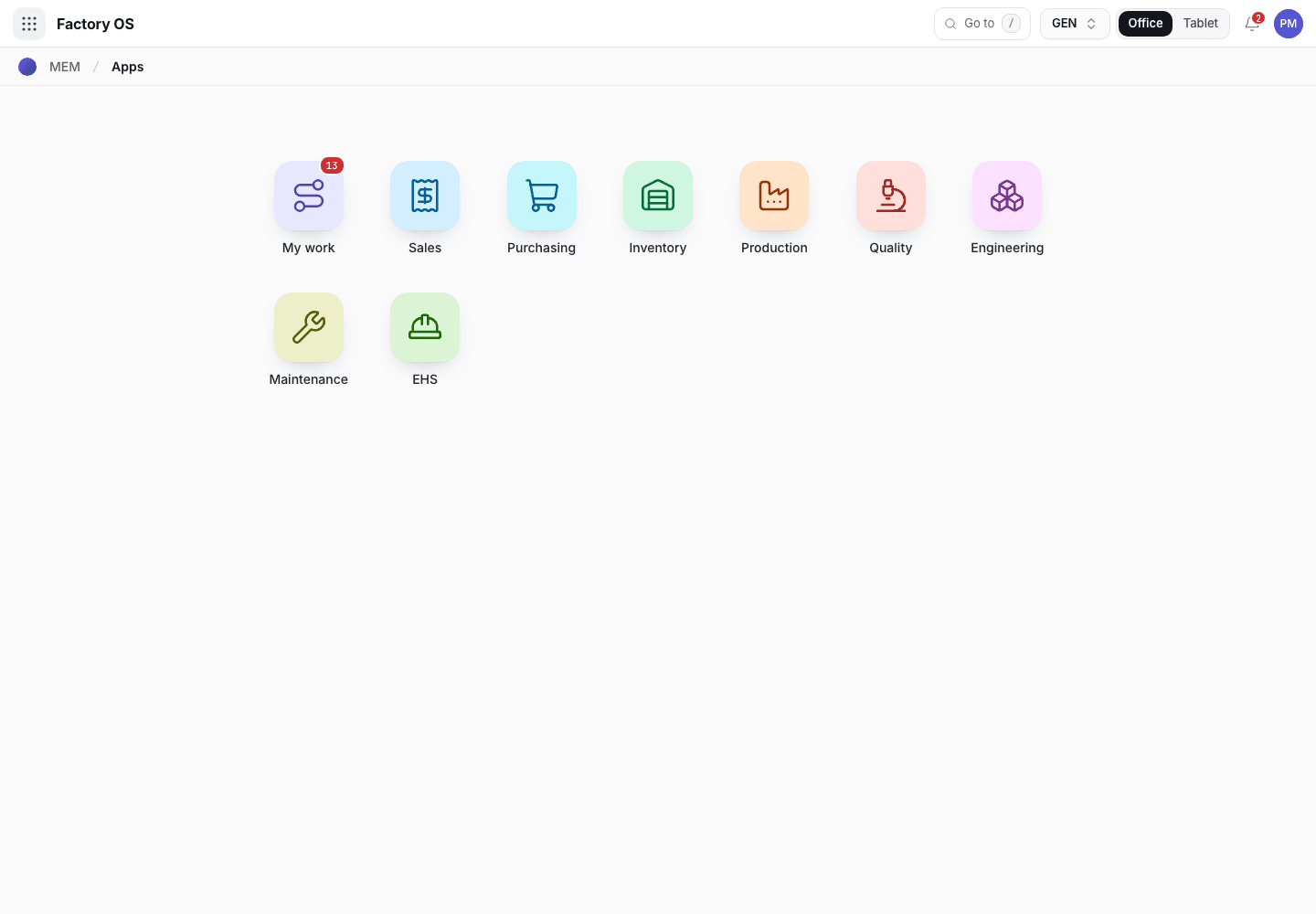
- My work: the number of records waiting on you.
- Module tiles. Only the modules your role can open appear.
- Settings, if your role has it.
Your queue on Home > Queue (My work): Sales orders in Confirmed, and manufacturing orders.
Your work queue on a phone
My work on a phone, the records waiting for this role.
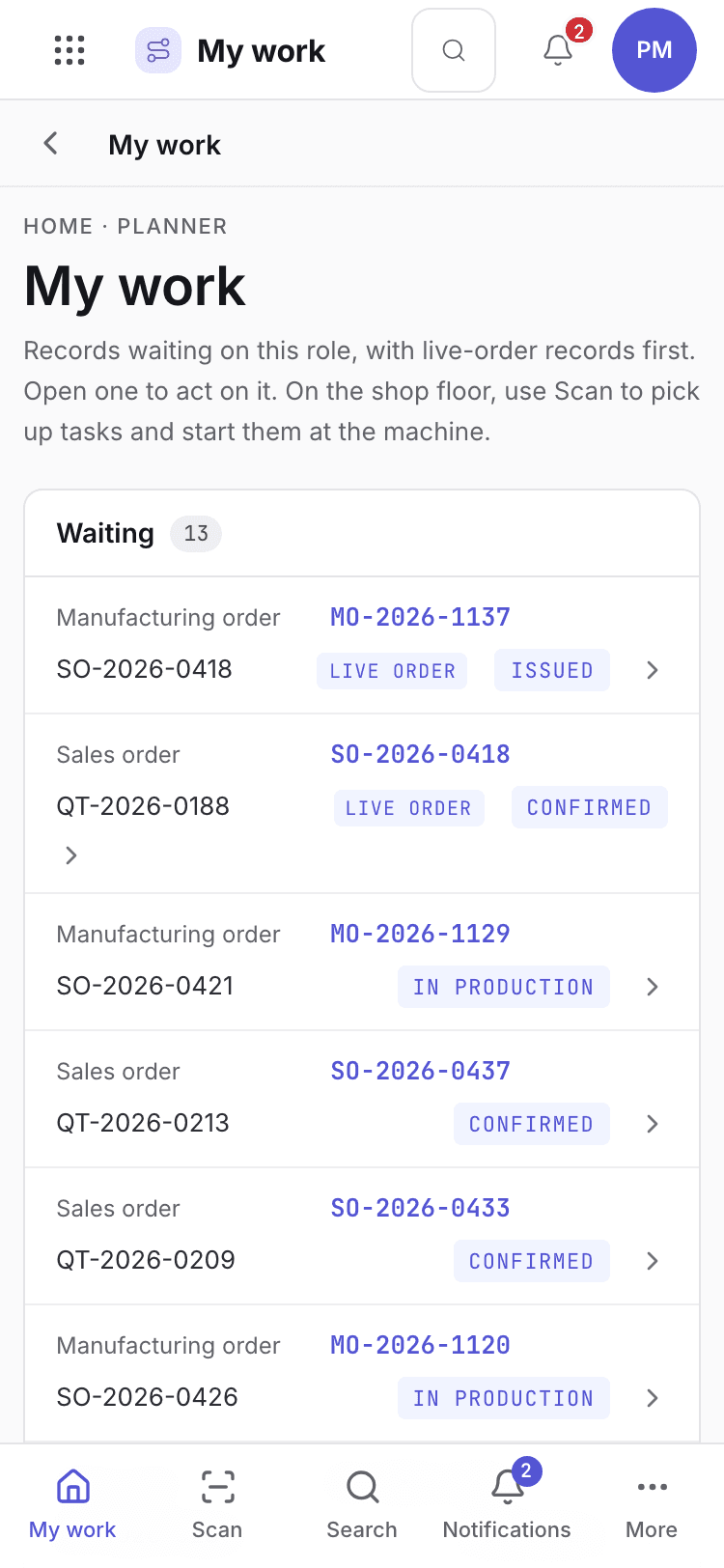
- Page title and your role.
- One card per record waiting. Live-order records come first.
- Bottom tabs to move between modules.
Your daily screens
| Screen | Where | What you do there |
|---|---|---|
| Plan | /production/planning | Plan orders on machines and release them. |
| Material requirements | /production/mrpn | See what material the plan needs. |
| Capacity | /production/capl | See machine load. |
| Orders | /production/orders | Manufacturing orders and their status. |
| Line clearance | /production/lclr | Clear and verify the line before setup. |
| Label reconciliation | /production/lblr | Reconcile labels after a run. |
| Paper transcription | /production/ptrn | Verify paper records typed in later. |
The production plan
Production plan with machines and orders.
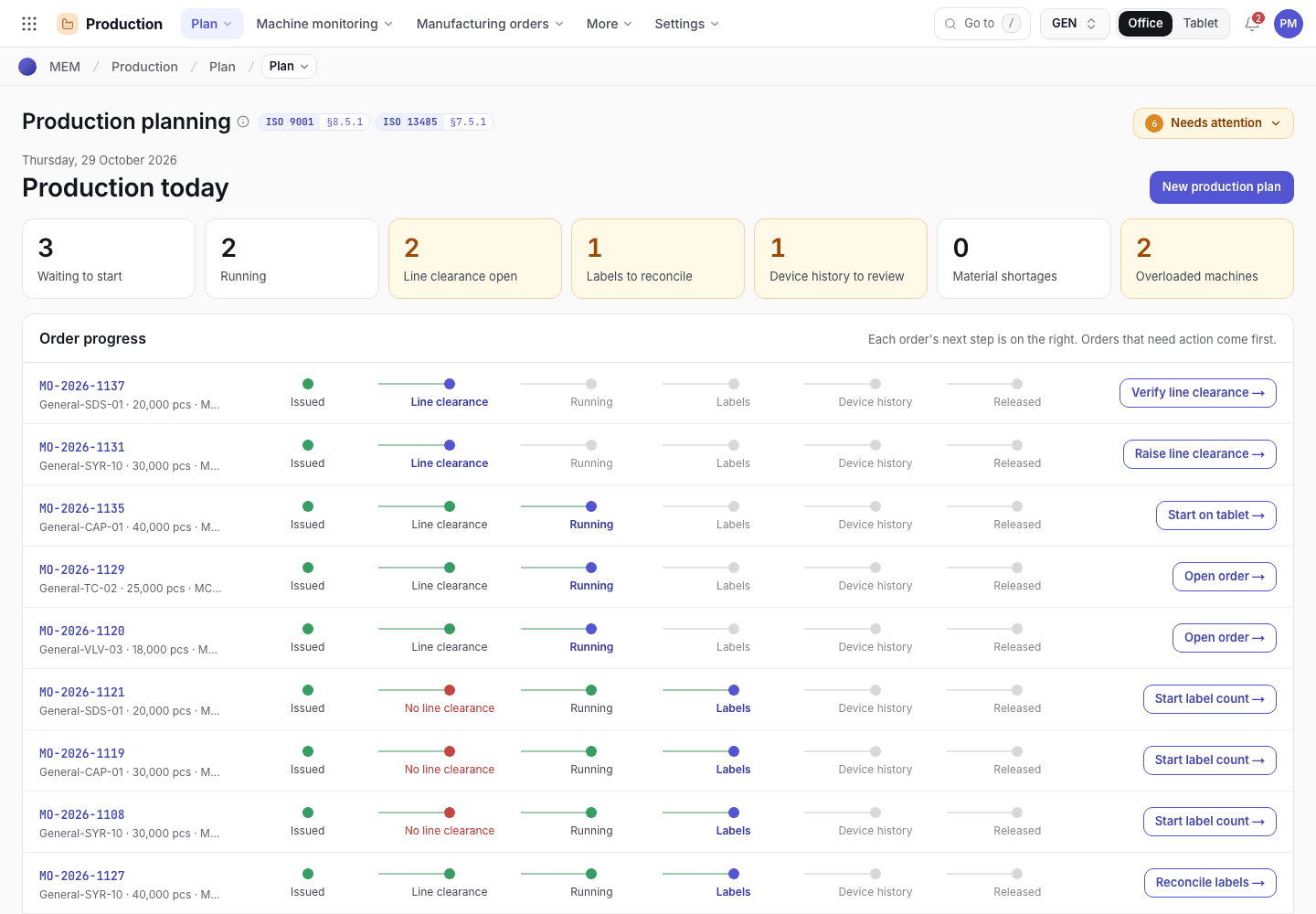
- Pick the date range and level (hours, shifts, days, weeks).
- Each bar is an order on a machine.
- Release the plan to issue the manufacturing order.
What you can do
You have full access to: Production. You can create, edit and take steps there.
Steps you sign, with the button names on screen:
| Record | Steps |
|---|---|
| Manufacturing orders | Issue to machine, Cancel (asks a reason) |
| Line clearance | Sign · line cleared, Verify clearance |
| Label reconciliation | Reconcile labels, Close with NCR |
A signed step needs your e-signature specimen and, where a requirement is set, current training.
What you can see but not change
View access: Sales, Purchasing, Inventory, Quality, Engineering, Maintenance, EHS. You can open and read these. Their action buttons are disabled with Your role can view this but not change it.
What you cannot do and who does it
| You cannot | Who does it | What you see |
|---|---|---|
| Accept the first piece or pass outgoing inspection | QC inspector | On a manufacturing order these steps are taken by QC. |
| Release a lot | QA manager | This step needs a QA manager signature. You are signed in as Priya Menon (Production planner). |
| Open Settings | Org admin can change access | Your role has no access to Settings. |
Hidden for your role: Settings. They do not appear on the launcher. If you open one by address you see You do not have access to this page and Back to apps.
A typical day
Open My work. Read the confirmed orders waiting to be planned. Details: Find your way around.
Plan each order on a machine validated for its mould. Details: Planning.
Release the plan. The manufacturing order is issued to the machine. Details: Manufacturing orders.
Before setup, the supervisor signs and verifies line clearance. Details: Line clearance.
After the run, reconcile labels. Details: Complete and lots.